

README Template
Free Markdown README template. Covers installation, usage, contributing, and license. Customize in your browser and publish to a shareable URL in seconds.
Free. No signup required.
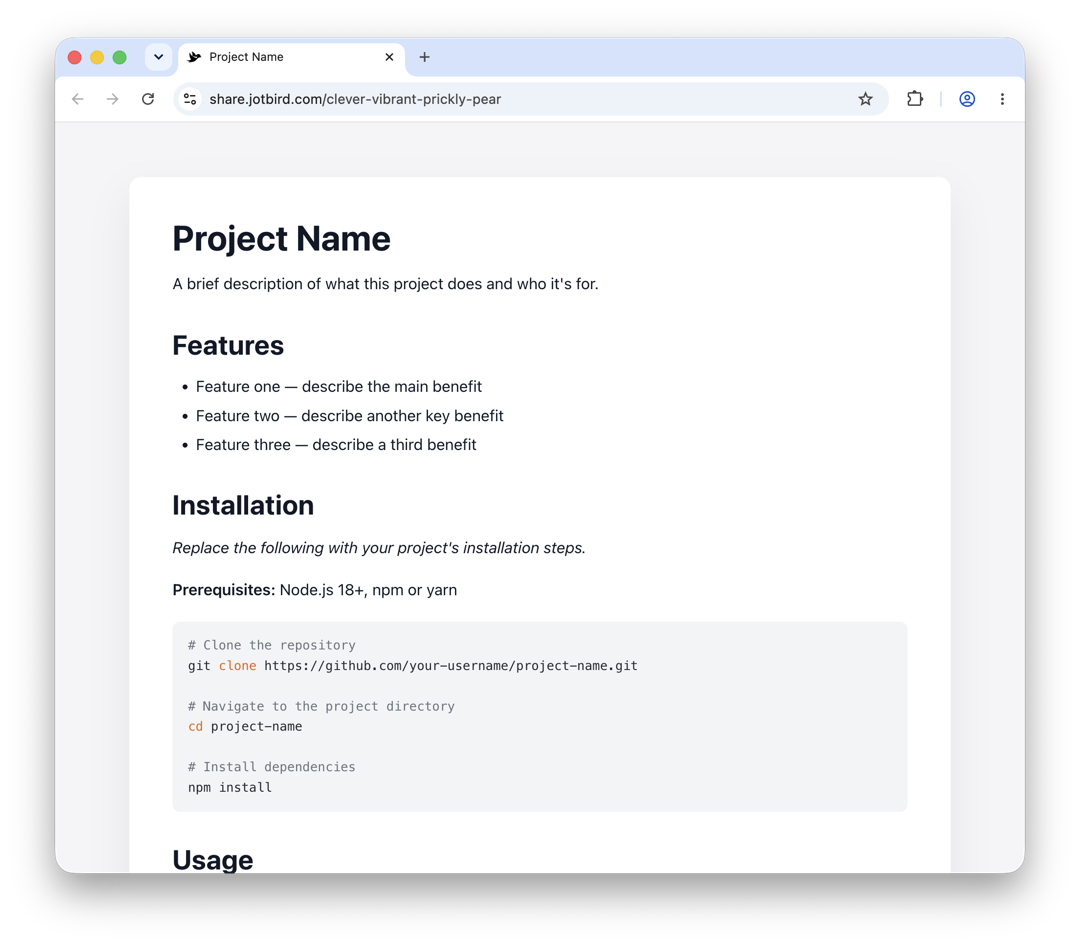
Preview
This is what your published page will look like. Customize it in the editor, then share the link.
Project Name
A brief description of what this project does and who it's for.
Features
- Feature one — describe the main benefit
- Feature two — describe another key benefit
- Feature three — describe a third benefit
Installation
Replace the following with your project's installation steps.
Prerequisites: Node.js 18+, npm or yarn
# Clone the repository
git clone https://github.com/your-username/project-name.git

# Navigate to the project directory
cd project-name

# Install dependencies
npm install
Usage
# Start the development server
npm run dev

# Build for production
npm run build
// Basic usage example
import { something } from 'project-name';

const result = something({ option: 'value' });
console.log(result);
Configuration
| Option | Type | Default | Description |
|---|---|---|---|
apiKey |
string | "" |
Your API key |
timeout |
number | 5000 |
Request timeout in ms |
debug |
boolean | false |
Enable debug logging |
Contributing
Contributions are welcome! Please open an issue first to discuss what you'd like to change.
- Fork the repository
- Create a feature branch (
git checkout -b feature/your-feature) - Commit your changes (
git commit -m 'Add some feature') - Push to the branch (
git push origin feature/your-feature) - Open a Pull Request
License
MIT © Your Name
How to customize
Replace "Project Name" with your project's actual name and update the installation commands and usage examples. Edit the configuration table to reflect your project's options, and swap out the license type if needed.
Markdown source
# Project Name

A brief description of what this project does and who it's for.

## Features

- Feature one — describe the main benefit
- Feature two — describe another key benefit
- Feature three — describe a third benefit

## Installation

*Replace the following with your project's installation steps.*

**Prerequisites:** Node.js 18+, npm or yarn

```bash
# Clone the repository
git clone https://github.com/your-username/project-name.git

# Navigate to the project directory
cd project-name

# Install dependencies
npm install
```

## Usage

```bash
# Start the development server
npm run dev

# Build for production
npm run build
```

```javascript
// Basic usage example
import { something } from 'project-name';

const result = something({ option: 'value' });
console.log(result);
```

## Configuration

| Option | Type | Default | Description |
|--------|------|---------|-------------|
| `apiKey` | string | `""` | Your API key |
| `timeout` | number | `5000` | Request timeout in ms |
| `debug` | boolean | `false` | Enable debug logging |

## Contributing

Contributions are welcome! Please open an issue first to discuss what you'd like to change.

1. Fork the repository
2. Create a feature branch (`git checkout -b feature/your-feature`)
3. Commit your changes (`git commit -m 'Add some feature'`)
4. Push to the branch (`git push origin feature/your-feature`)
5. Open a Pull Request

## License

[MIT](LICENSE) © Your Name
Ready to use this template?
Open it in the editor — no signup needed.