

Start with a template. Publish in one click.
Pre-written Markdown documents for the things people commonly need to publish. Open any template in the JotBird editor, customize it in your browser, and publish to a shareable URL in seconds.
All templates
Pick the one that matches what you're publishing. Each template is a real Markdown document you can see and customize before publishing.
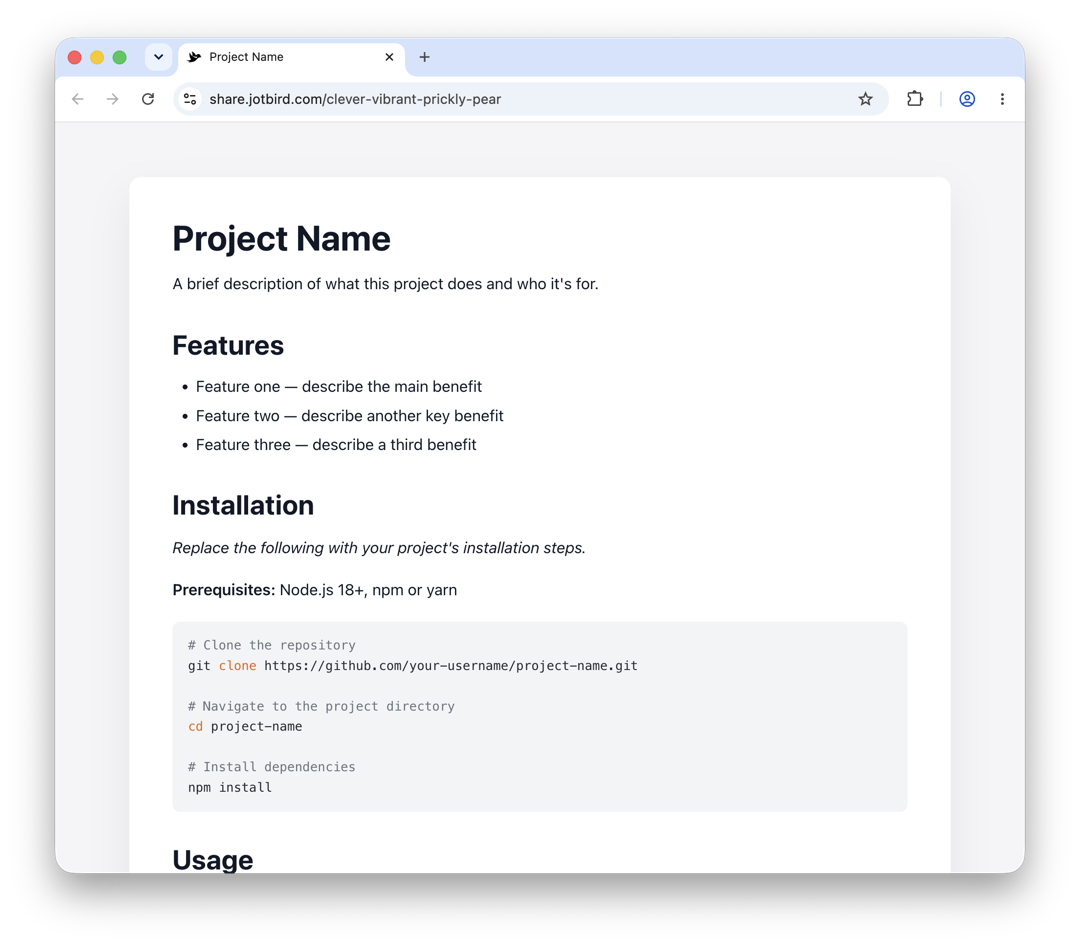
README
Project README with installation, usage, contributing, and license sections.
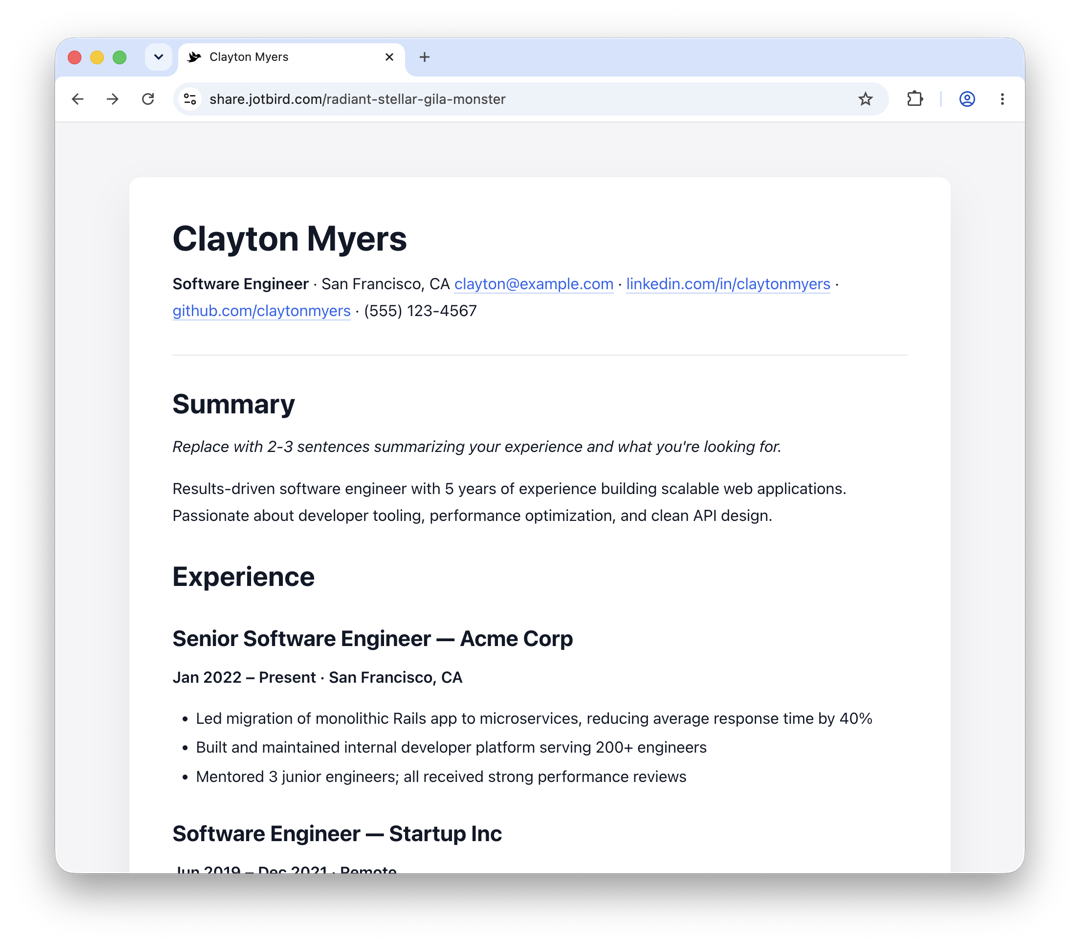
Resume / CV
Clean one-page Markdown CV with experience, education, skills, and projects.
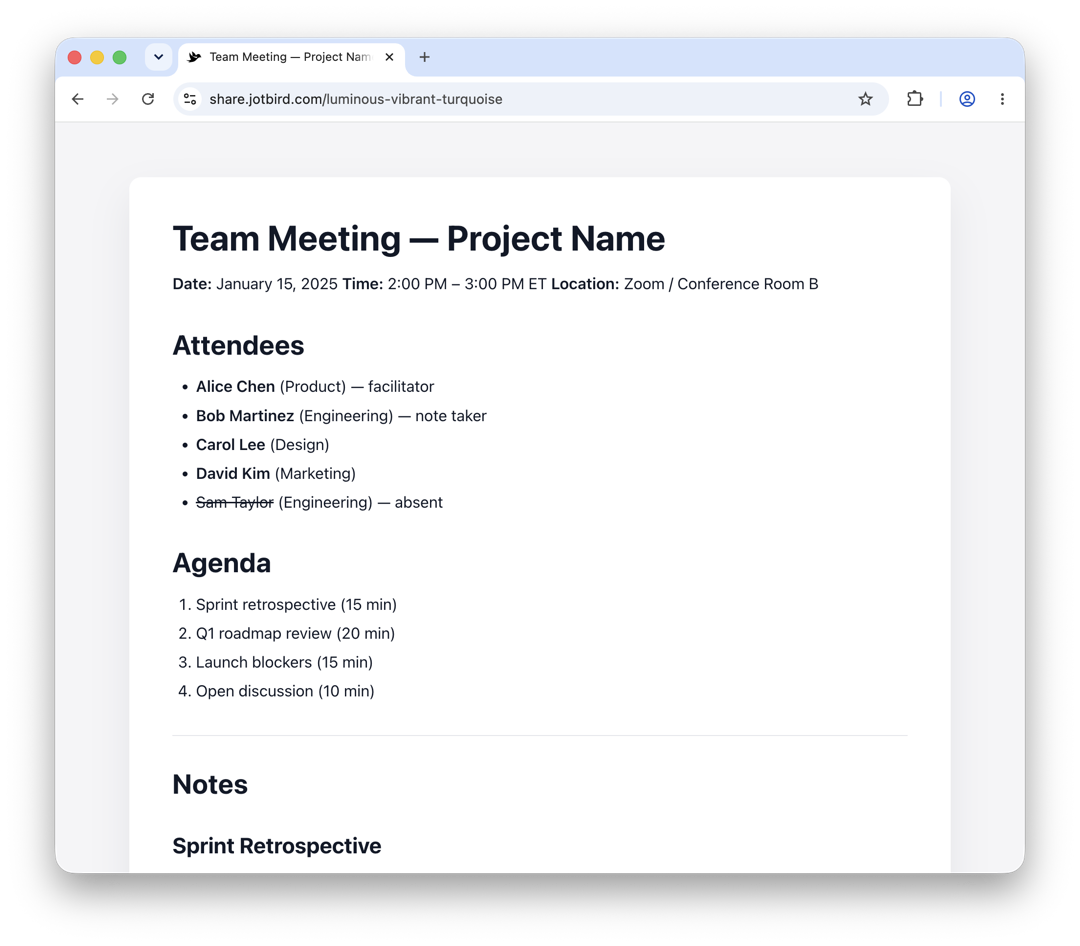
Meeting Notes
Structured notes with attendees, agenda, decisions, and action items.
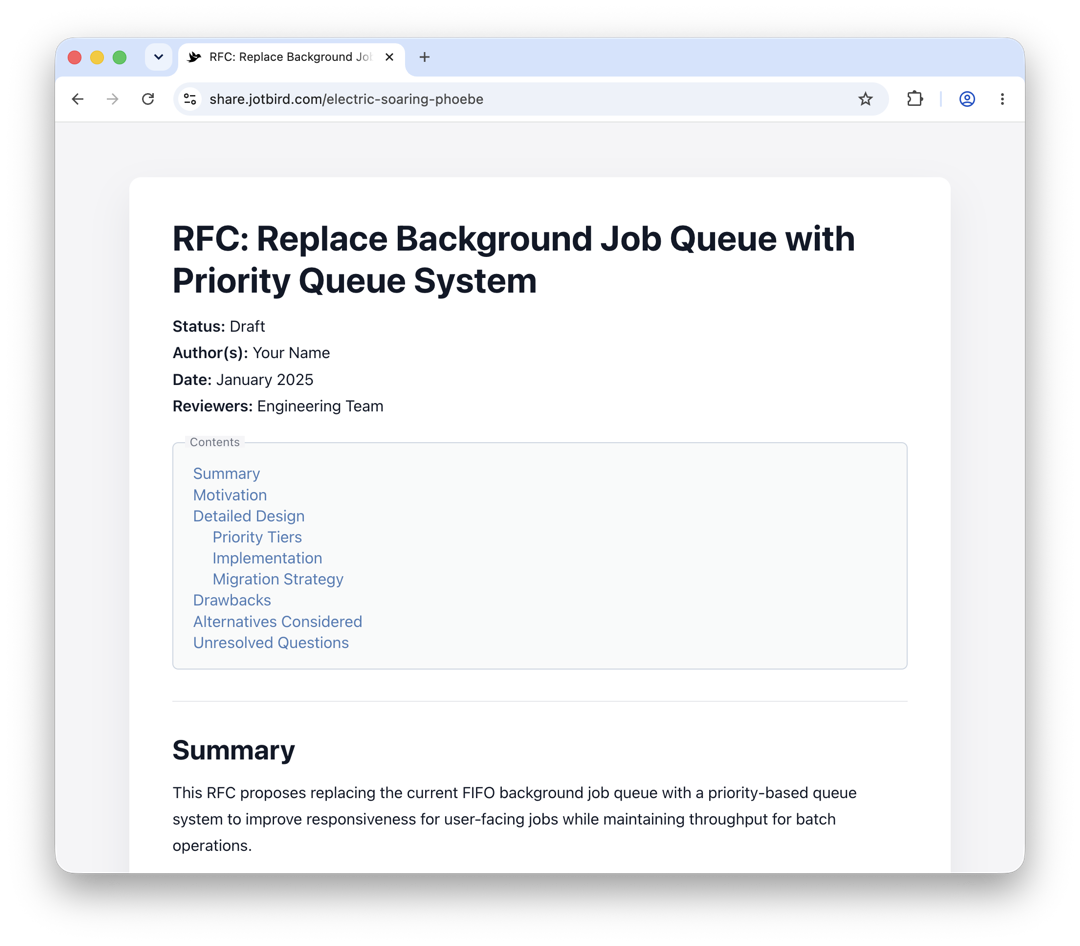
Technical Proposal
Long-form design proposal with TOC, motivation, detailed design, and trade-offs.
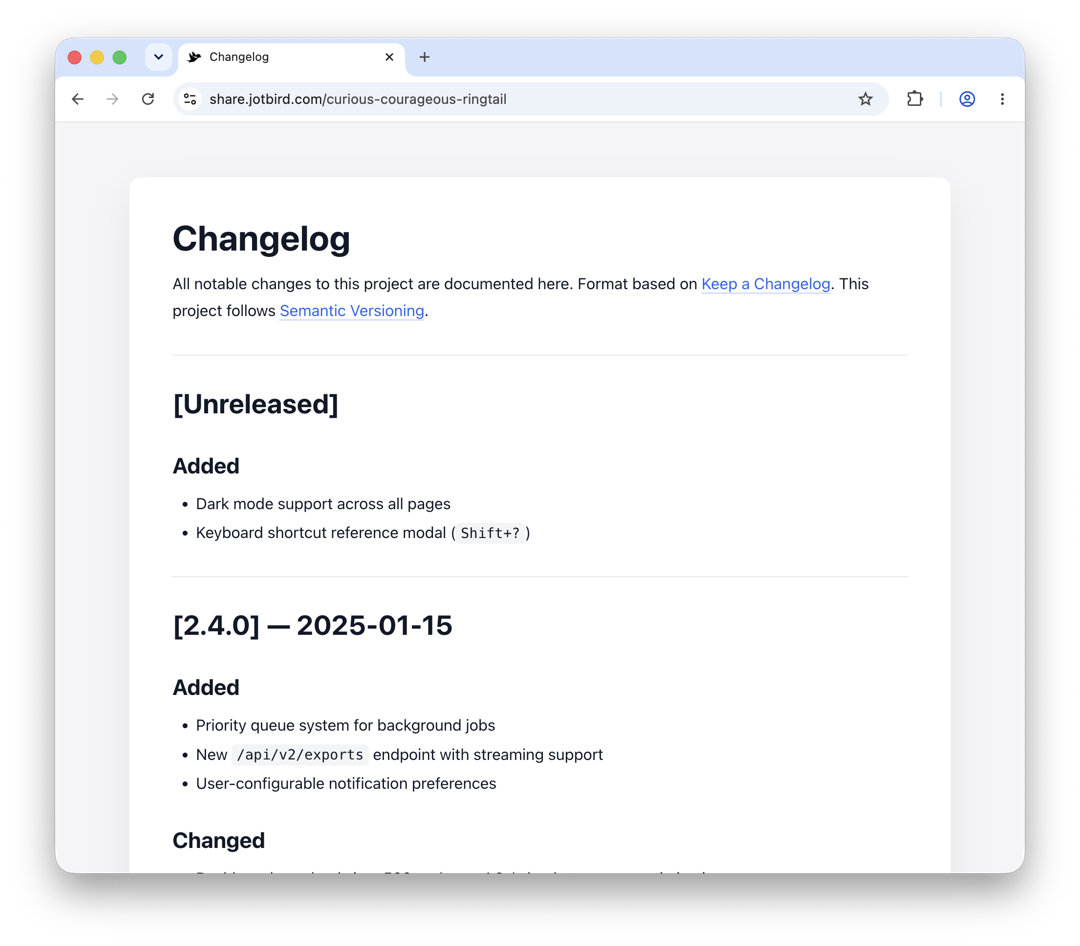
Changelog
Versioned changelog following Keep a Changelog conventions.
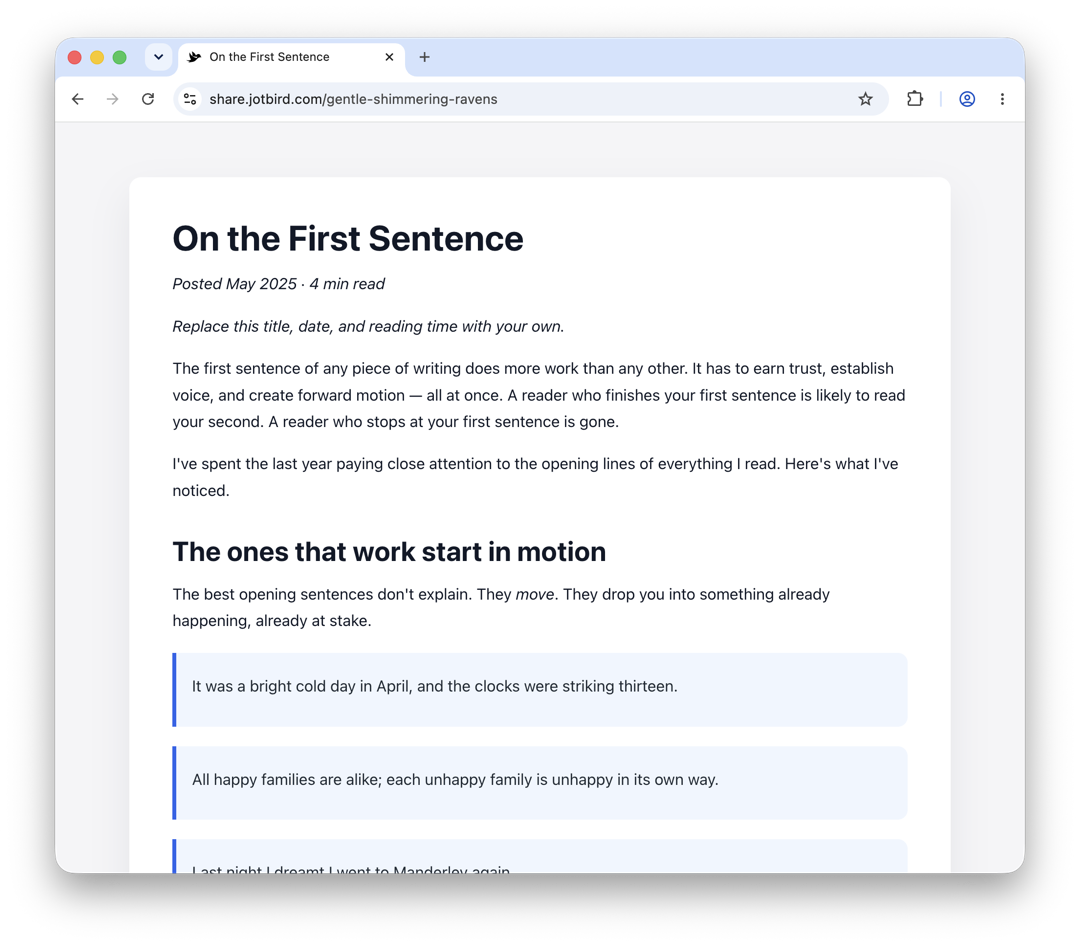
Blog Post
Article template with intro, sections, code blocks, blockquotes, and conclusion.
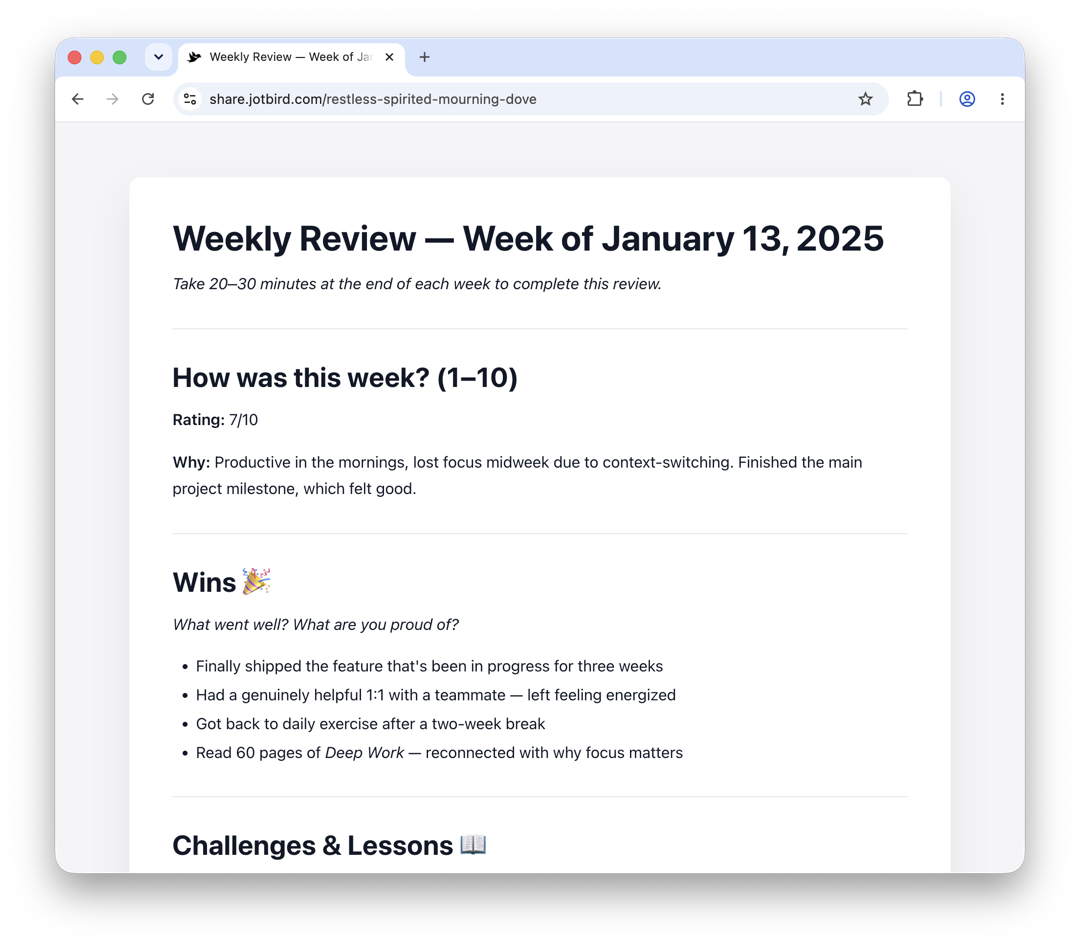
Weekly Review
End-of-week reflection with wins, lessons, priorities, and gratitude.
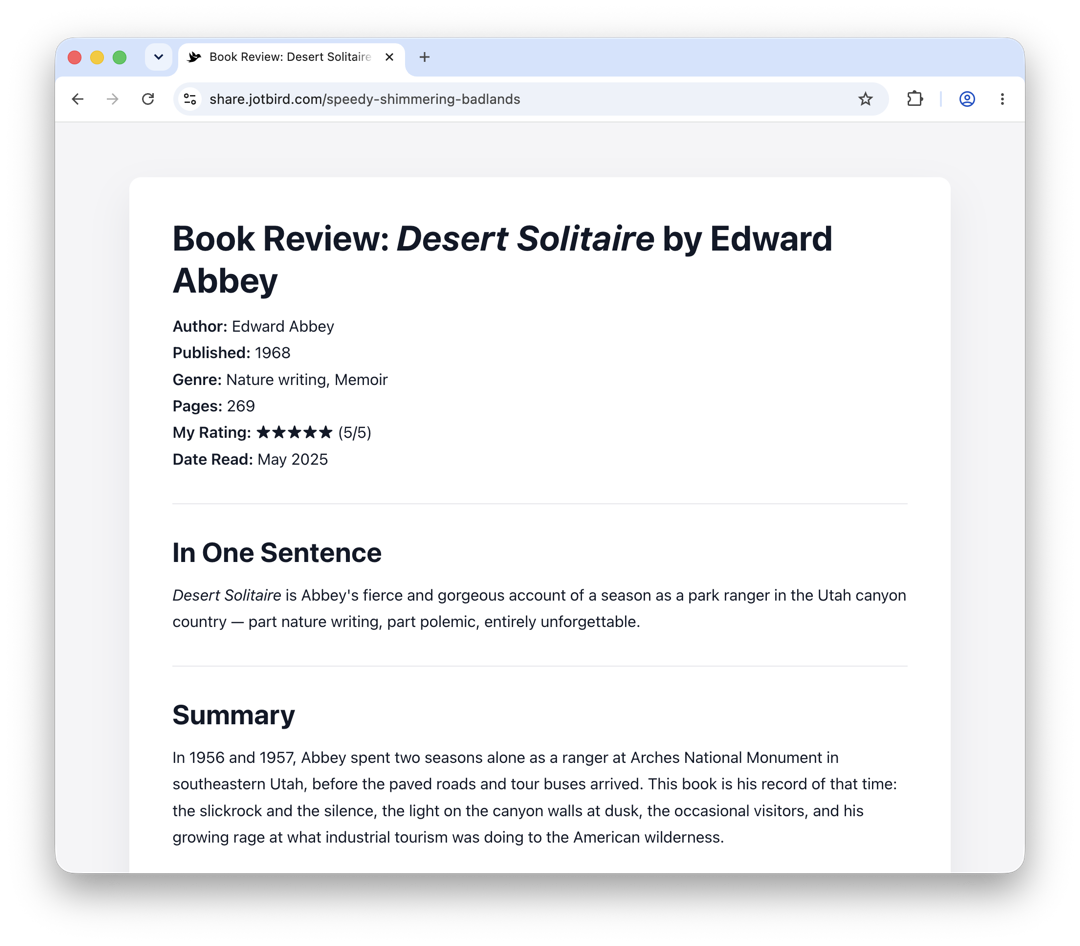
Book Review
Structured review with rating, summary, key takeaways, and favorite quotes.
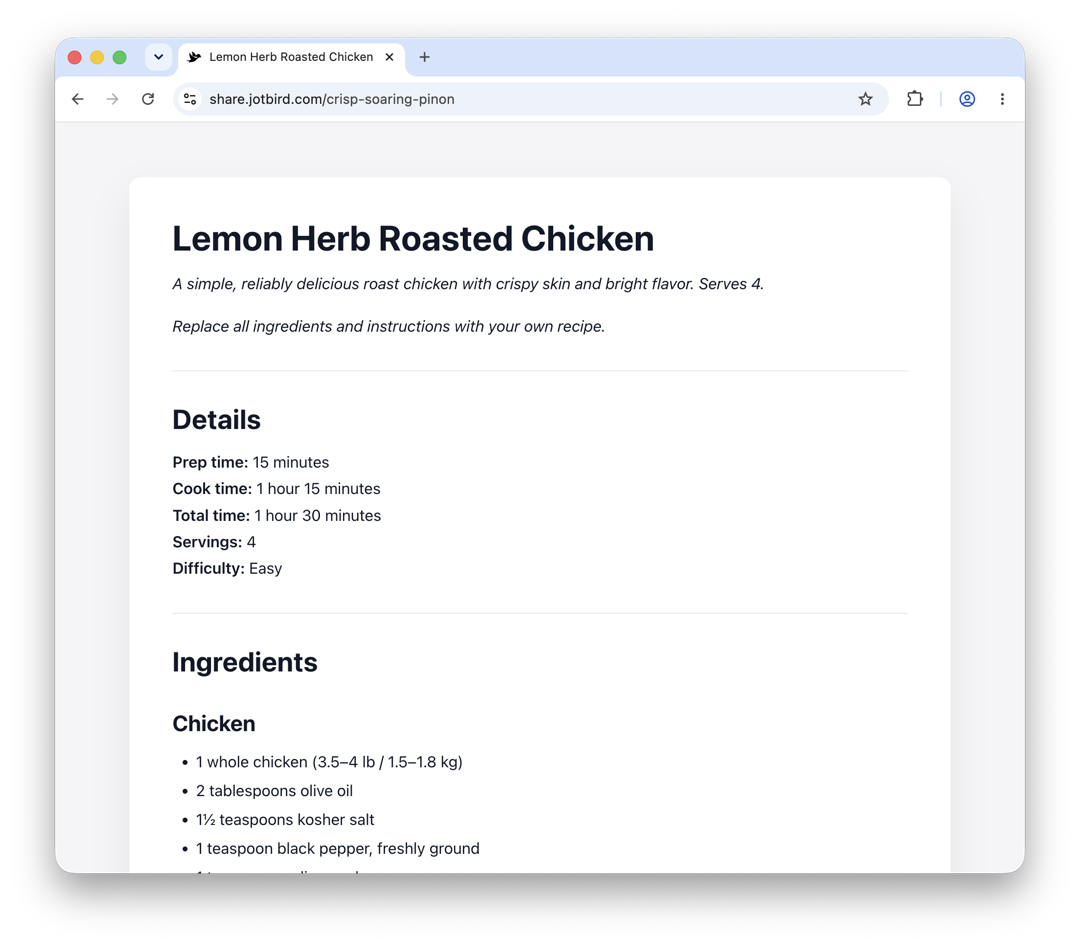
Recipe
Ingredients, step-by-step instructions, and notes in a clean Markdown layout.
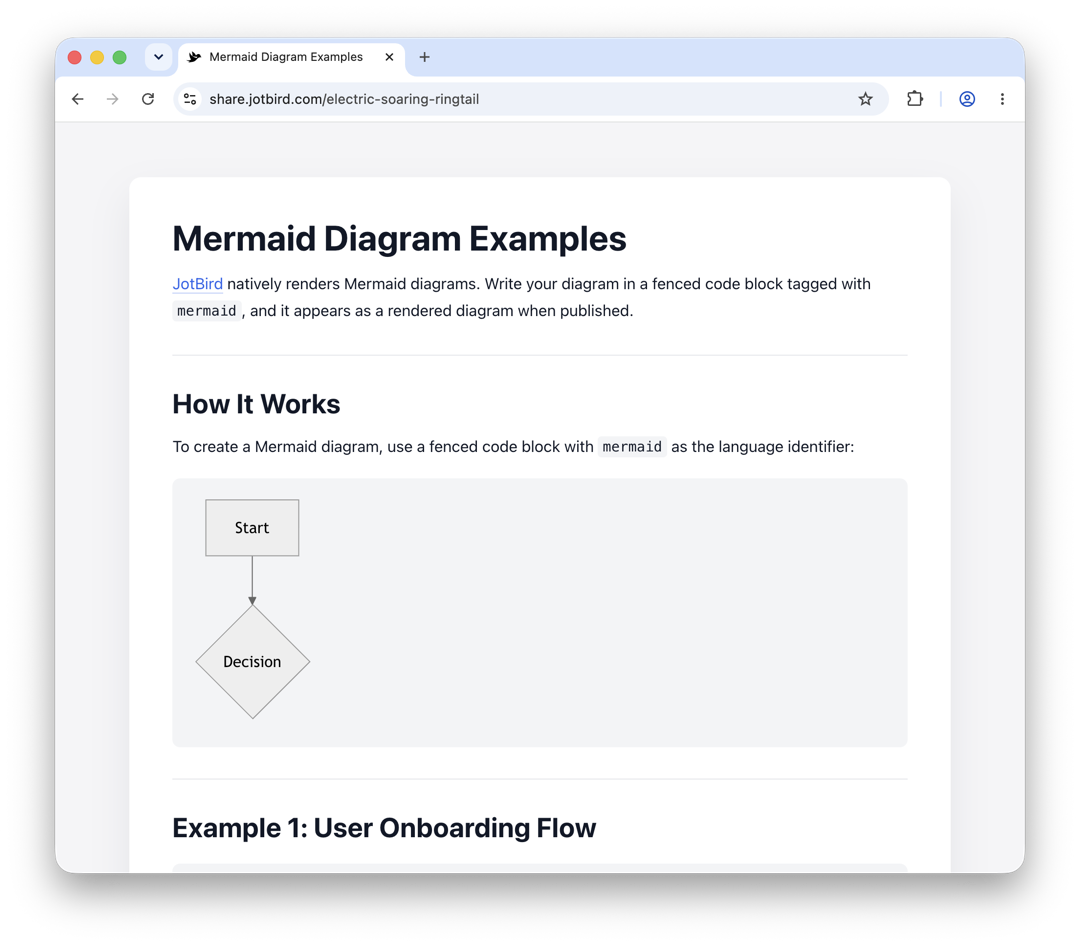
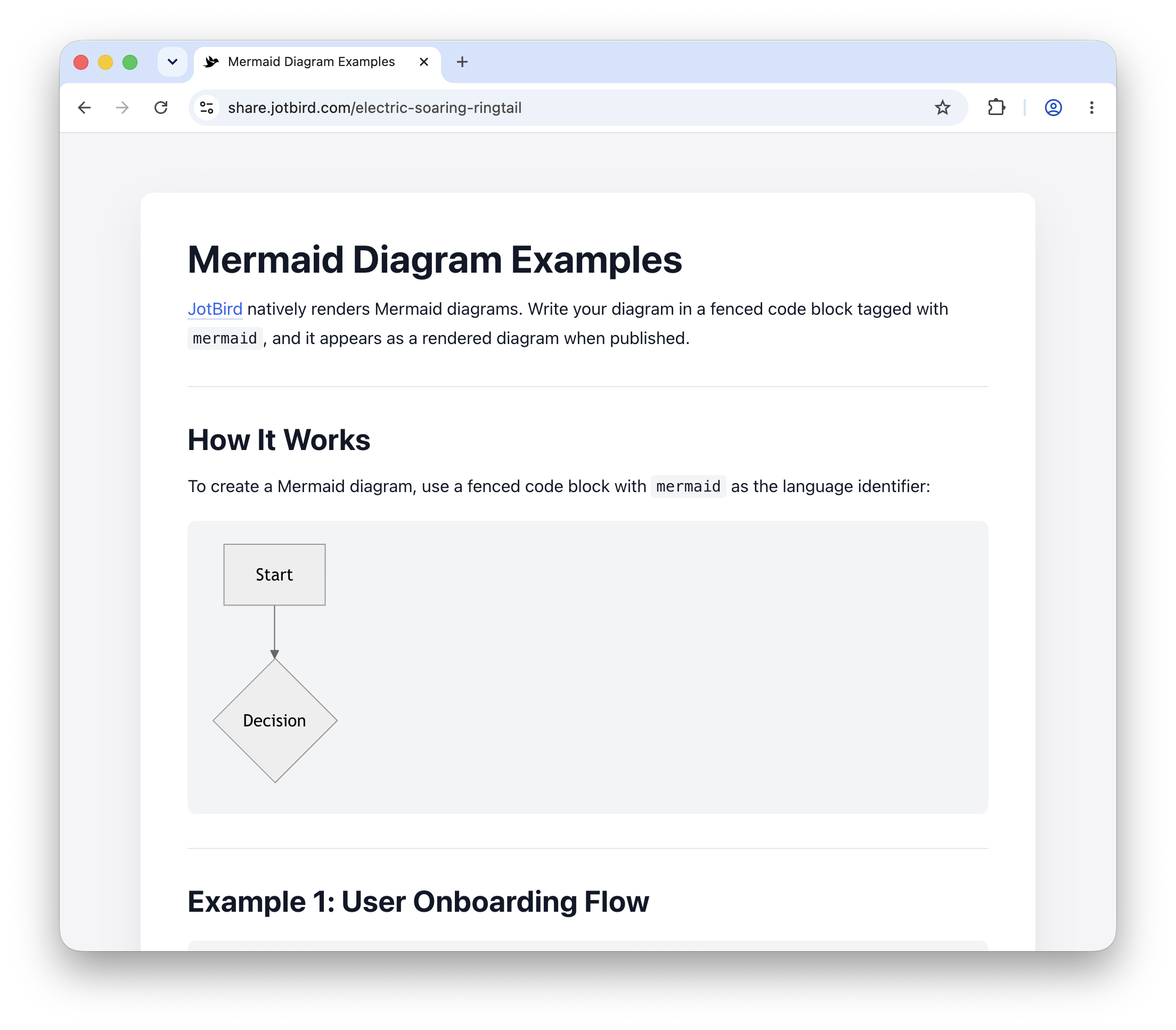
Mermaid Flowchart
Demonstrates Mermaid diagram syntax with flowcharts and a sequence diagram.
How templates work
From gallery to published link in under a minute.
Pick a template
Browse the gallery and choose a starting point. Each template is a real Markdown document you can see and customize before publishing.
Customize
The template opens in the JotBird editor with content pre-filled. Edit anything you want — swap out the text, add sections, rearrange freely.
Publish
One click. Get a shareable URL. Send it anywhere. Update or delete the page anytime from the editor.
What you get with every template
Real Markdown. Real publishing. No configuration.
Real Markdown, not a form
Every template is editable Markdown. Change anything, add anything, restructure freely. No locked fields.
Renders beautifully
Tables, code blocks, Mermaid diagrams, callouts, footnotes — all rendered cleanly when you publish.
No signup to try
Open any template in the editor without creating an account. Publish anonymously or save to your account.
Yours forever with Pro
Free links last 30 days. Pro accounts get permanent links and custom URLs for $29/year.
Pick a template and start publishing.
Open any template in the editor — no signup needed.